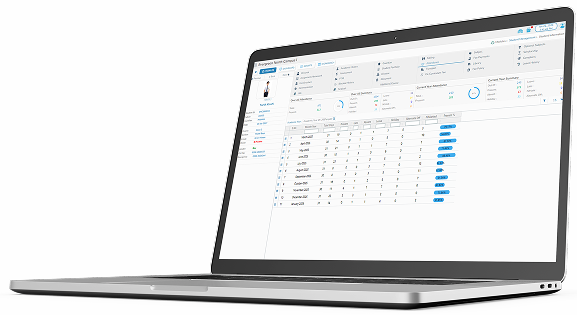
Student Attendance

EDAP
Student Attendance

Module Overview

Simplify attendance management with smart attendance methods, real-time monitoring, and timely parent notifications to improve student accountability and institutional oversight


Background

Why the Student Attendance Module Is Essential

Attendance directly reflects:

  • Student engagement
  • Institutional discipline
  • Academic continuity
  • Parent-school coordination
Attendance directly reflects:

Without structured monitoring:

  • Chronic absenteeism goes unnoticed
  • Late arrivals and suspensions are not tracked consistently
  • Decision-making becomes reactive rather than preventive
Without structured monitoring:

The EDAP Attendance Module ensures continuous visibility, structured tracking, and data-driven oversight of student presence.
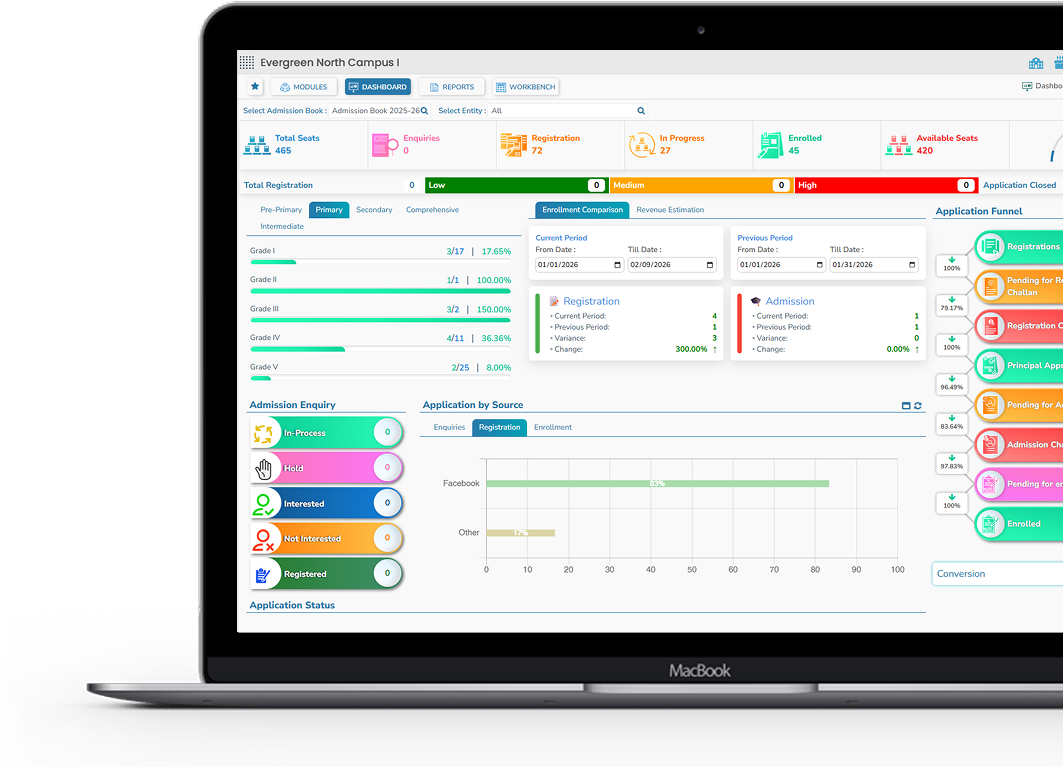

Central Attendance Dashboard
Background
01

How the Student Attendance Works

The system provides yearly and monthly statistics, showing:

  • Present percentage
  • Absent percentage
  • Leave percentage

An AI-assisted insights panel summarizes:

  • Key strengths
  • Areas for improvement
  • Recommended actions with priority levels

These insights are generated directly from attendance data patterns visible in the dashboard.

02

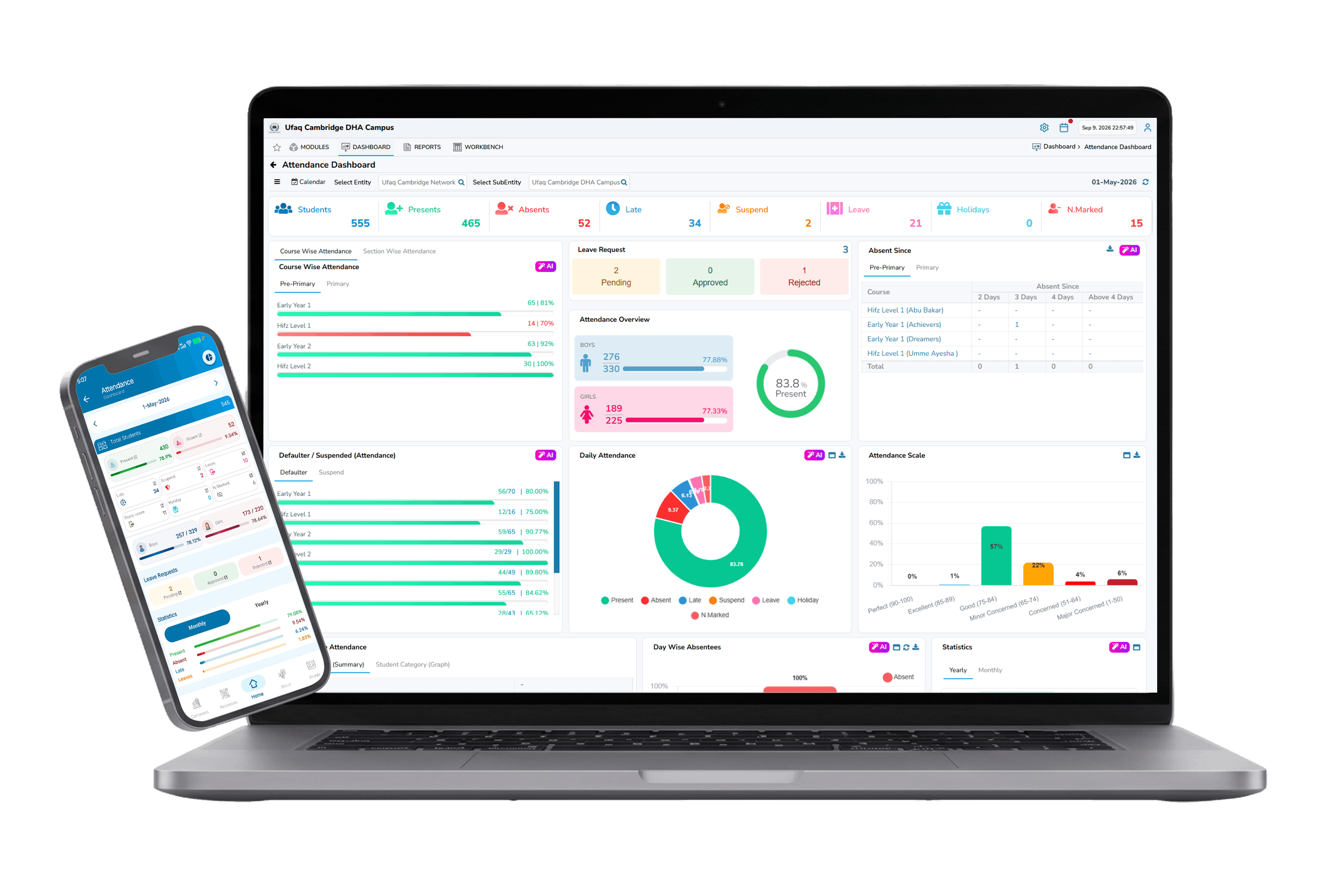
Central Attendance Dashboard

The Attendance Dashboard presents real-time summary indicators, including:

  • Total Students
  • Present
  • Absent
  • Late
  • Suspended
  • Leave
  • Holidays
  • Not Marked

These indicators give management an instant overview of the day’s attendance status.
Background
Course-Wise Attendance Monitoring
03

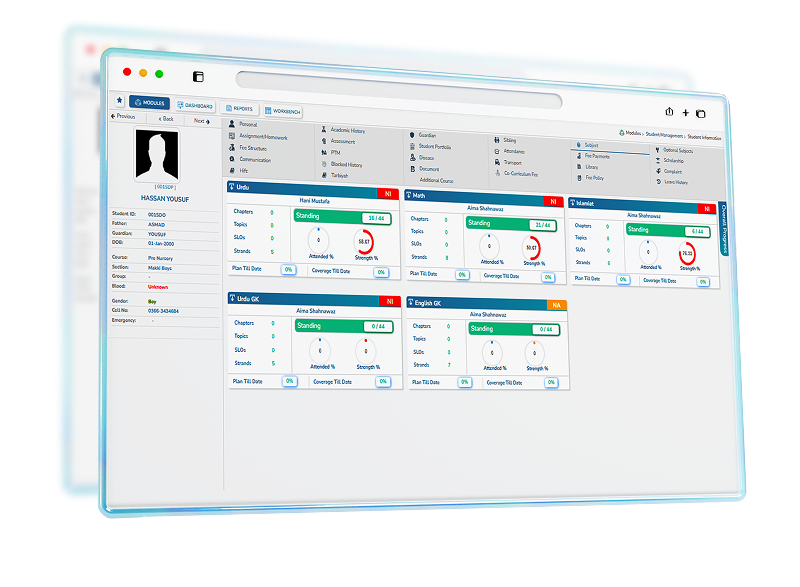
Course-Wise Attendance Monitoring

Attendance is tracked and displayed course-wise, segmented by:

  • Pre-Primary
  • Primary
  • Secondary
  • Intermediate (where applicable)

Each course shows attendance percentage, enabling quick comparison across levels.

04

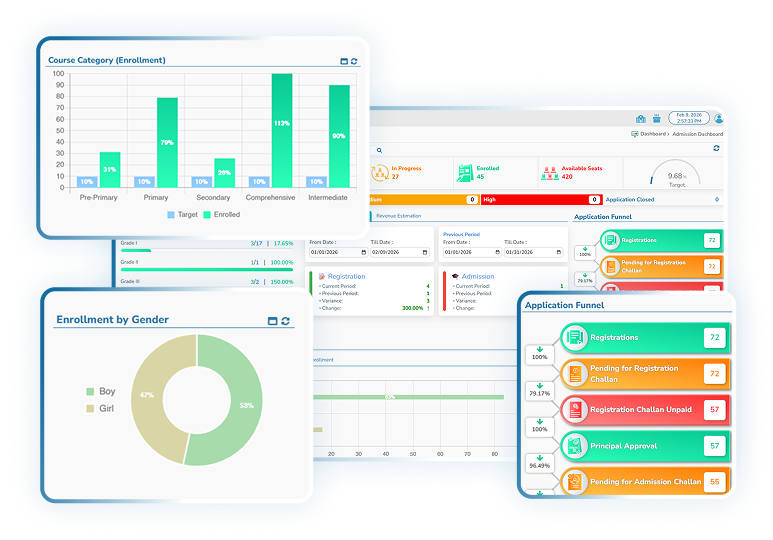
Gender-Wise Attendance Distribution

The dashboard visually separates attendance by:

  • Boys
  • Girls

This helps institutions identify gender-specific attendance trends and engagement patterns.
Gender-Wise Attendance Distribution
Attendance Status Classification
05

Attendance Status Classification

Attendance data is categorized clearly into:

  • Present
  • Absent
  • Late
  • Suspended
  • Leave
  • Holiday
  • Not Marked

A donut chart displays proportional distribution, making attendance health immediately understandable.

06

Leave Request Tracking

The system tracks student leave requests by status:

  • Pending
  • Approved
  • Rejected

This ensures transparency and accountability in leave management.
Leave Request Tracking
Daily Attendance Analysis
07

Daily Attendance Analysis

The module provides day-wise absentee trends, showing:

  • Absentee counts for each weekday
  • Variations across the week

This allows management to detect recurring absentee patterns on specific days.

08

Attendance Scale & Concern Levels

Attendance performance is evaluated using an attendance scale, categorizing students into levels such as:

  • Excellent
  • Good
  • Minor Concern
  • Concerned
  • Major Concern

This classification supports early identification of attendance risks.
Attendance Scale & Concern Levels
Category-Wise Attendance Summary
09

Category-Wise Attendance Summary

Attendance is further analyzed by student categories, including:

  • Day Scholars
  • Boarders
  • Toppers
  • Enrolled
  • Dropouts (where applicable)

This enables deeper insight into attendance behavior across different student groups.

10

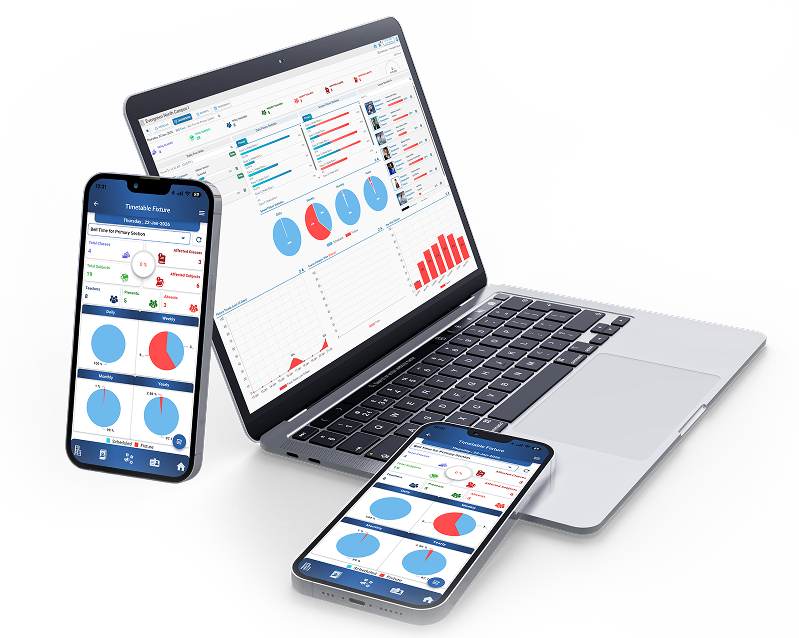
Historical Attendance Trends

The module displays:

  • Attendance overview for the last 10 days
  • Last 7 days comparison
  • Last 7 months trends

These views help institutions track consistency, improvement, or decline over time.
Historical Attendance Trends
Reason-Wise Absentee Analysis
11

Reason-Wise Absentee Analysis

Attendance data is categorized by reasons for absence, such as:

  • Attended Event
  • Fever & Flu
  • Traffic Issues
  • Woke Up Late

This allows institutions to understand why students are absent, not just how many.

12

Key Features & Functionalities

  • Real-time attendance dashboard
  • Course-wise and category-wise attendance tracking
  • Gender-based attendance analysis
  • Leave request management
  • Daily, weekly, monthly, and yearly attendance trends
  • Attendance scale and concern categorization
  • Reason-wise absentee tracking
  • Data-driven insights and recommendations

All features are directly validated from the shared EDAP Attendance screens.
Key Features & Functionalities

Contribution to EDAP Core Objectives

Significant Cost Savings
  • Eliminates manual attendance registers
  • Reduces administrative follow-ups
  • Minimizes data reconciliation efforts
Empowered Stakeholders
  • Management views attendance health instantly
  • Academic heads access actionable insights
  • Administrators monitor compliance without manual reports
Enhanced Workflows
  • Automated attendance aggregation
  • Structured classification of attendance issues
  • Faster identification of problem areas
Quality Assurance
  • Continuous monitoring of student engagement
  • Early warning for attendance risks
  • Consistent attendance evaluation standards
Communication
  • Clear visibility of attendance status
  • Data-backed discussions with parents
  • Improved coordination between academic and administrative teams

Value Proposition

The EDAP Student Attendance Module transforms attendance from routine record-keeping into a strategic decision-making tool.

Institutions gain:

  • Visibility instead of blind spots
  • Trends instead of raw numbers
  • Prevention instead of reaction
Student Attendance